The Camera Roll Confession: Five Apps Tried to Make Sense of a Year of Screenshots

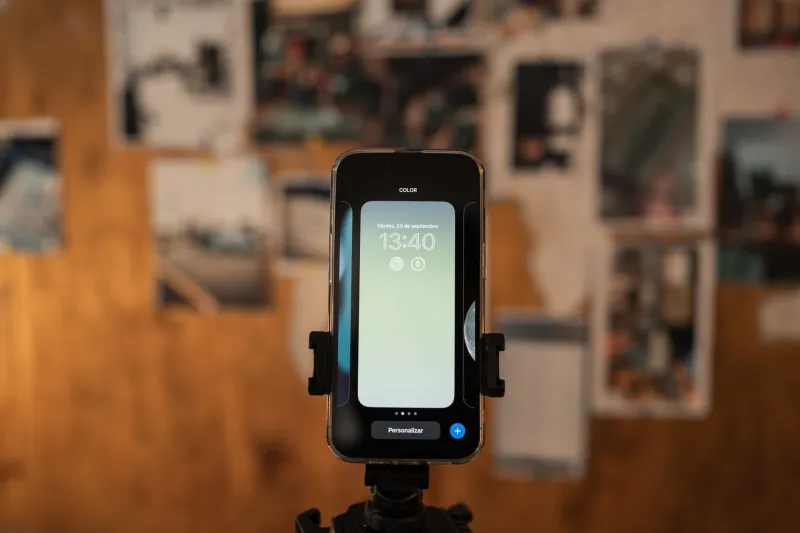
Photo by Photo by Gilles Lambert on Unsplash on Unsplash
By mid-November 2026, my camera roll had become a filing cabinet with no folders. There were dinner recipes I swear I meant to cook, receipts for things I may or may not have returned, flight confirmations from trips already taken, and a parking sign so confusing it could have been modern art. The final count was 1,432 screenshots. Not proud of it. But it made for a solid test.
The promise from this batch of visual search and screenshot-organizer apps is simple: stop scrolling, start finding. In practice, that means optical character recognition, on-device indexing, automatic collections, and enough AI labeling to turn a pile of pixels into something you can act on. I gave five apps the same messy archive and a few specific missions. Find the receipt with the return deadline. Find the address I saved for a friend’s house. Find the flight confirmation. Find the parking sign and explain it. Find the recipe with the green sauce.
Here is what actually happened.
The test, minus the drama
I exported the screenshots in monthly batches, then imported them into each app over a weekend. I did not clean up first. Same archive, same missions, same tired human doing the checking. I scored each app on three things: text extraction, context sorting, and whether I could get back to the right image in under a minute. Speed mattered, but accuracy mattered more. A fast wrong answer is still a wrong answer.
The apps were Clarity Roll, SnapIndex, PixNote, Memento, and ScreenShelf. None of them are household names yet. That felt fair. This is the kind of category where a smaller tool can beat a giant if it solves one annoying job well.
Clarity Roll: the receipt finder
Clarity Roll was the strongest pure text extractor. It pulled totals, order numbers, and return windows from receipts with only a few misses. I searched for a specific dollar amount and it surfaced the right screenshot plus two near-misses. That is useful. It also handled flight confirmations well, which matters if you are the kind of person who screenshots a boarding pass and then forgets which app holds it.
Where it stumbled was context. Clarity Roll knows what words are in an image, but it is less sure why you saved it. Recipes came back as ingredient lists, not meals. Addresses came back as text blocks, not places. I still had to open a handful of results to confirm. For receipts, though, it earned a spot. If you have a folder of purchase proof and zero patience, start here.
SnapIndex: the private librarian
SnapIndex runs its indexing on the phone, which I appreciated after importing a year of personal screenshots. It was slower to set up, and the first scan made my phone feel warm enough to toast a bagel. Once it finished, though, the search was quick and the privacy story was easy to understand. No cloud upload, no account required for the basic scan.
It did a good job grouping screenshots by app source and by rough time period. That sounds boring until you need it. I found a gate code from a house-sitting weekend because SnapIndex had clustered it with other messages from the same week. It did not always label things correctly. One grocery list got tagged as a business document, which feels generous. But it found the address, the confirmation, and the receipt without sending my archive to a server farm. For privacy-minded users, that trade-off is the whole ballgame.
PixNote: the recipe romantic
PixNote is the app that wants to turn your screenshots into a little magazine of your life. It writes captions, builds collections, and makes everything look tidy. The recipe search was genuinely good. I found the green sauce recipe in about 20 seconds, and PixNote had already grouped it with two other saved dishes from the same website.
Then it met the parking sign. I asked it to explain the sign. PixNote gave me a confident summary that was, at best, a creative interpretation. It missed the time-of-day restriction and turned a simple street rule into a riddle. That is the risk with apps that smooth over uncertainty. A clean answer is not always a correct one. PixNote is nice for recipes, inspiration boards, and visual people who like collections. I would not trust it with legal-ish text or anything that could get me a ticket.
Memento: the reminder machine
Memento is less interested in organizing your camera roll than in turning screenshots into reminders. That is a different job, and a useful one. It spotted flight times, addresses, and confirmation numbers and offered to create calendar entries or alerts. I liked it more than I expected. The import was slow, and the app asked for a lot of permissions, but the payoff was real: a screenshot of a package delivery window became a reminder I actually used.
It was not great at bulk cleanup. If your goal is to browse a year of screenshots, Memento feels like a assistant tapping you on the shoulder. If your goal is to stop missing things, that is exactly the point. It earned a maybe, not a permanent home. I would recommend it to people who screenshot confirmations and then forget them immediately. That is probably most of us.
ScreenShelf: the manual option
ScreenShelf is the least magical and the most predictable. It suggests folders, but it mostly waits for you to decide. You can create shelves for receipts, recipes, travel, home, and so on, then drag screenshots into place. The AI suggestions are modest. The upside is that nothing gets silently misfiled by a model having a weird day.
If you are already willing to spend 15 minutes a week tidying your screenshots, ScreenShelf is fine. If you want the app to do the work, it will feel like homework with a nicer interface. It is the control freak’s choice, and I mean that as a compliment and a warning.
What actually worked
Two apps earned a permanent spot: Clarity Roll for text-heavy screenshots and SnapIndex for private, searchable context. PixNote is good for recipes and mood-board energy. Memento is a niche reminder tool. ScreenShelf is for people who like manual sorting and do not want AI guessing.
The bigger lesson is that screenshot sprawl is not really an image problem. It is a retrieval problem. Most of us do not need another camera roll with better branding. We need to find the one screenshot that matters while standing in a return line, a parking garage, or a friend’s driveway.
A few practical tips before you import
Start with one month, not one year. You will learn whether the app’s labels match your brain before you hand over 1,432 files. Search for exact text when you can. A store name or dollar amount works better than a vague description. Delete obvious duplicates first if the app charges by image count. And check the privacy settings before importing receipts, IDs, or medical screenshots. On-device indexing is worth the slower setup if the archive is personal.
My camera roll is still messy. But it is searchable now, and I finally know what that parking sign means. Sort of.